
PPT MAKER AI
AI PPT Maker — Generate Slides from Content & Templates
Use PPT maker AI to turn any topic, notes, or documents into a polished presentation fast. Choose a template, get clean structure and consistent styling, then export a deck ready to present.
AI PPT Maker
Paste your content, choose a template, and PPT MAKER AI generates a well-structured presentation—fast, consistent, and ready to export.
How to Use PPT MAKER AI
Creating presentations is easier than ever—follow three simple steps to convert your content into a professional slide deck with PPT maker AI.
Input Topic or Upload File
Start by entering your topic or uploading content (text, PDF, or notes). PPT MAKER AI analyzes it and generates a structured outline.
Choose a Template and Set Preferences
Pick a template style and set preferences like slide count or tone. The AI PPT maker applies layout and styling consistently.
Generate, View, and Export
Click Generate to create the full deck. Preview the slides, make quick adjustments if needed, then export to share or present.
PPT MAKER AI Key Features
PPT Maker AI transforms text, PDFs, web pages, and voice recordings into professional presentations in seconds. With advanced AI and flexible customization, creating stunning slides is fast, simple, and repeatable.
The Fastest AI-Powered Presentation Generator
PPT Maker AI generates a polished slide deck in minutes—automatically structuring your content and applying professional layouts, so you can skip manual formatting and get presentation-ready results fast.
Dozens of Free Premium PowerPoint Templates
Choose from dozens of free, professionally designed PowerPoint templates—pick a style, apply it instantly, and download when ready.
Built on Gemini 3 and Nano-Banana Pro
Built on Gemini 3 and Nano-Banana Pro, PPT Maker AI helps you draft a clear presentation outline, refine key points, and generate a matching speech outline—so your slides and talk track stay aligned.
One-Click Export
Export your presentation in one click—download and share instantly, ready for meetings, pitches, or classes.
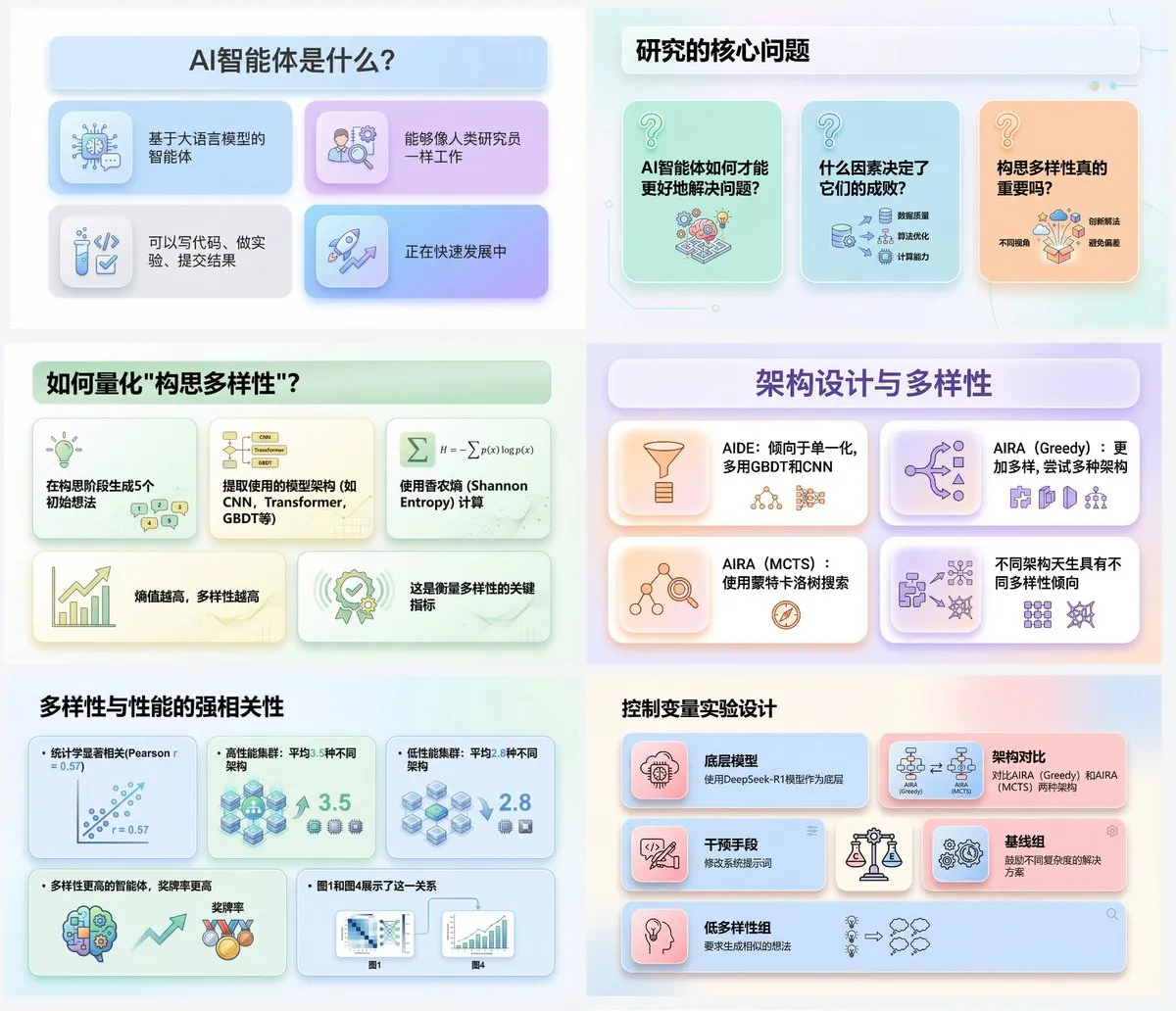
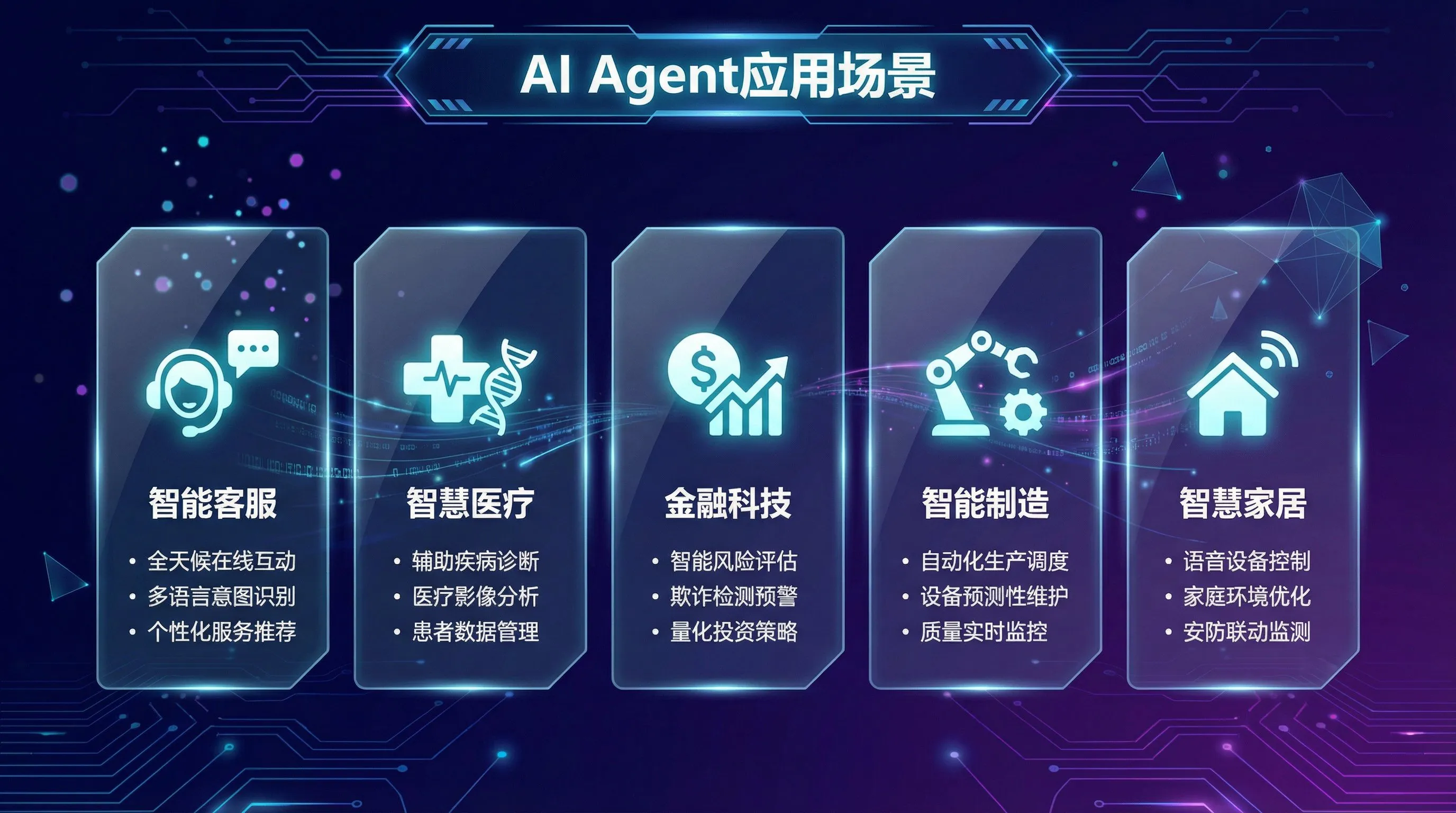
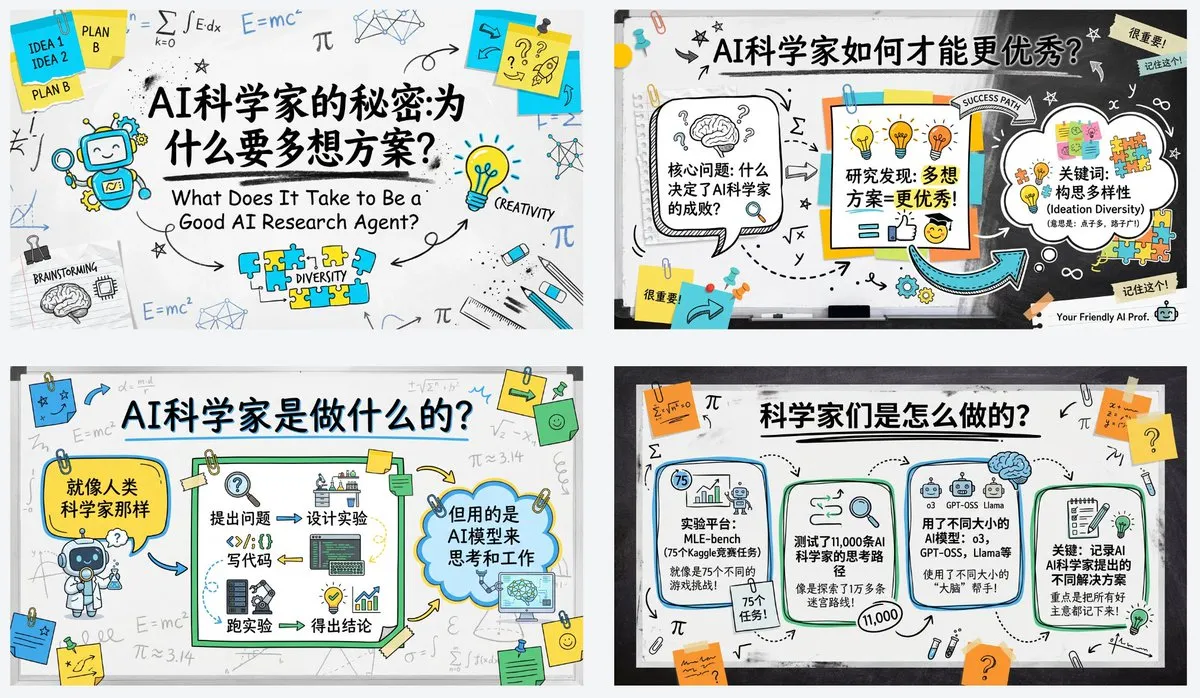
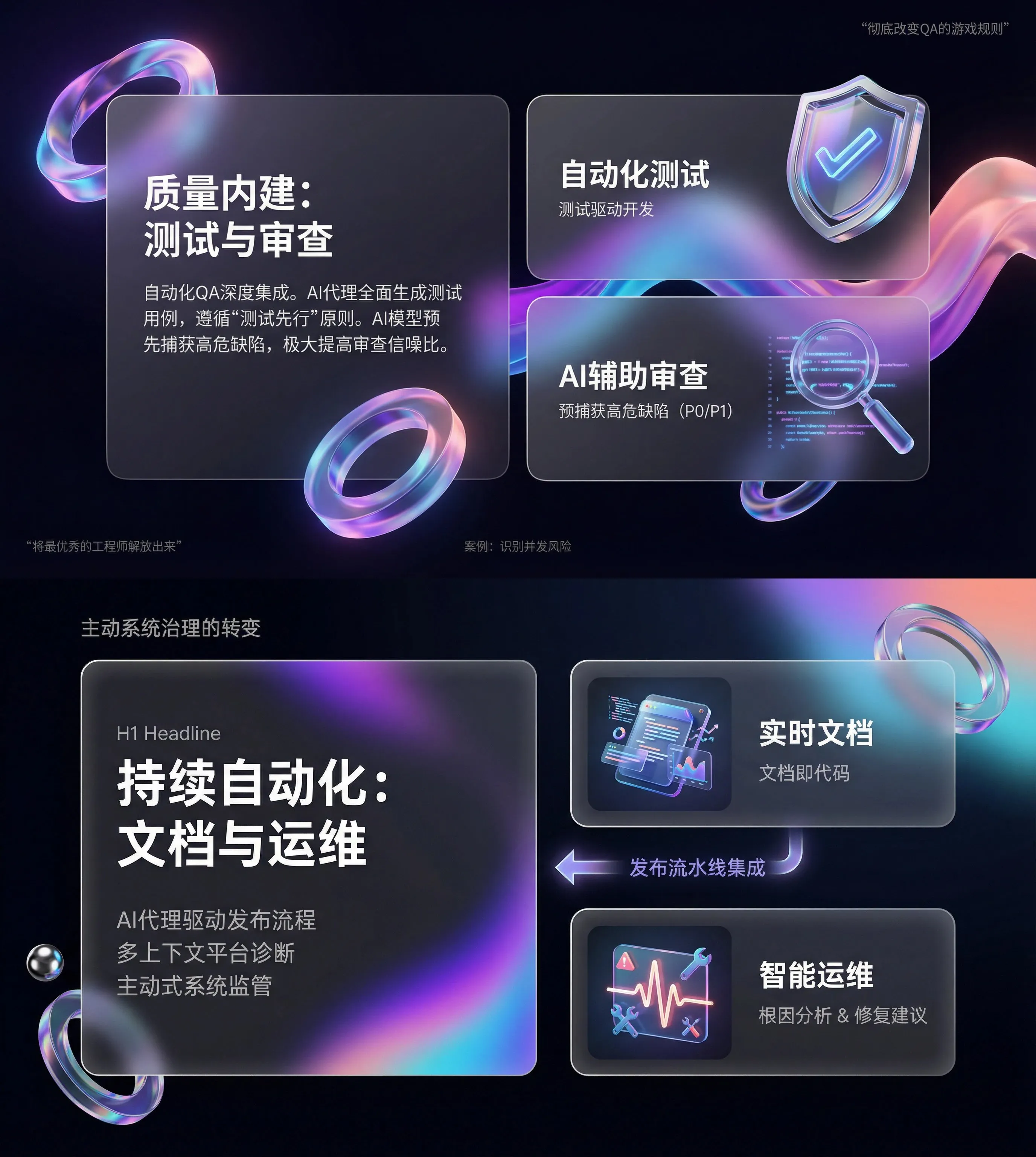
PPT Template Showcase
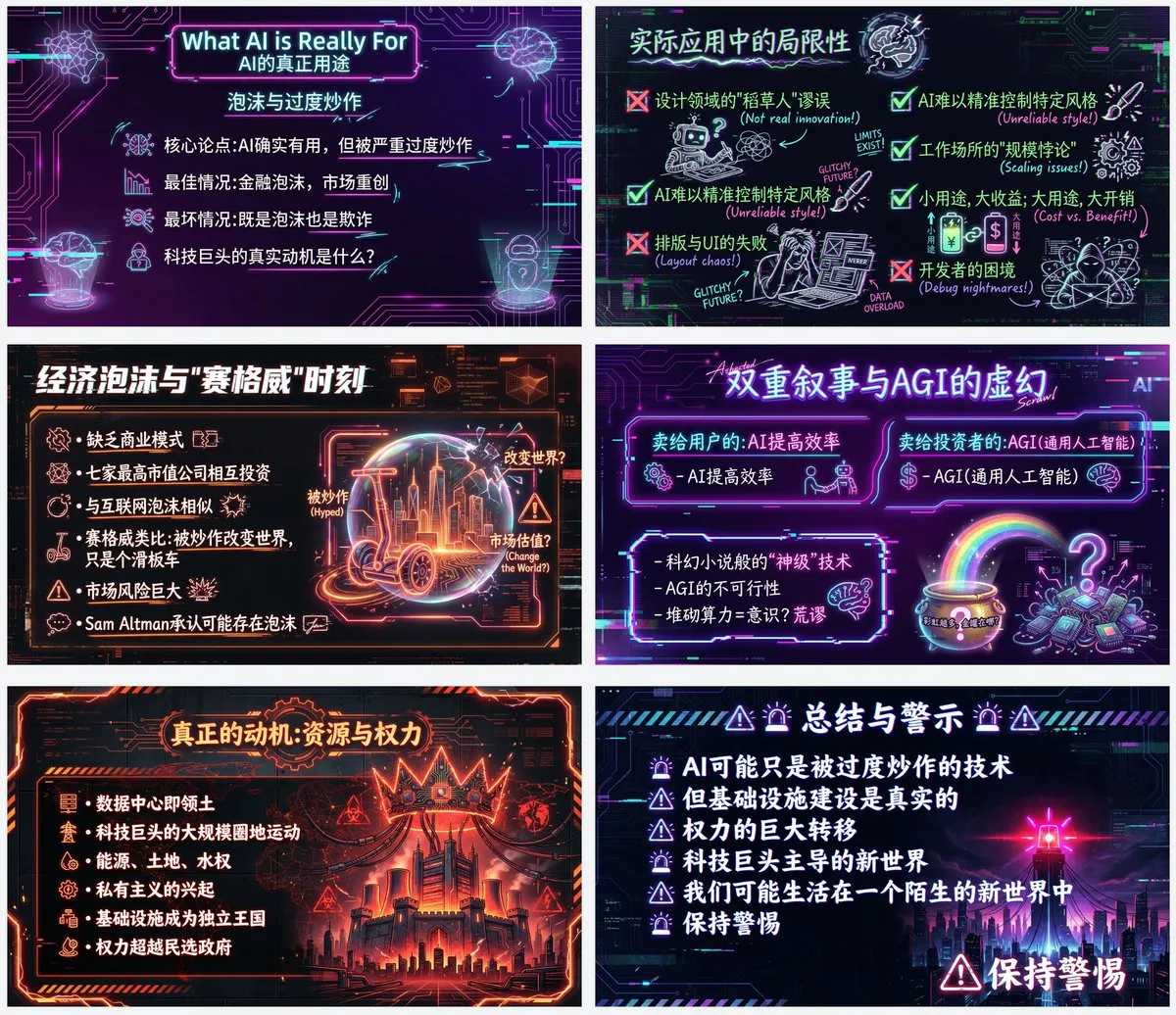
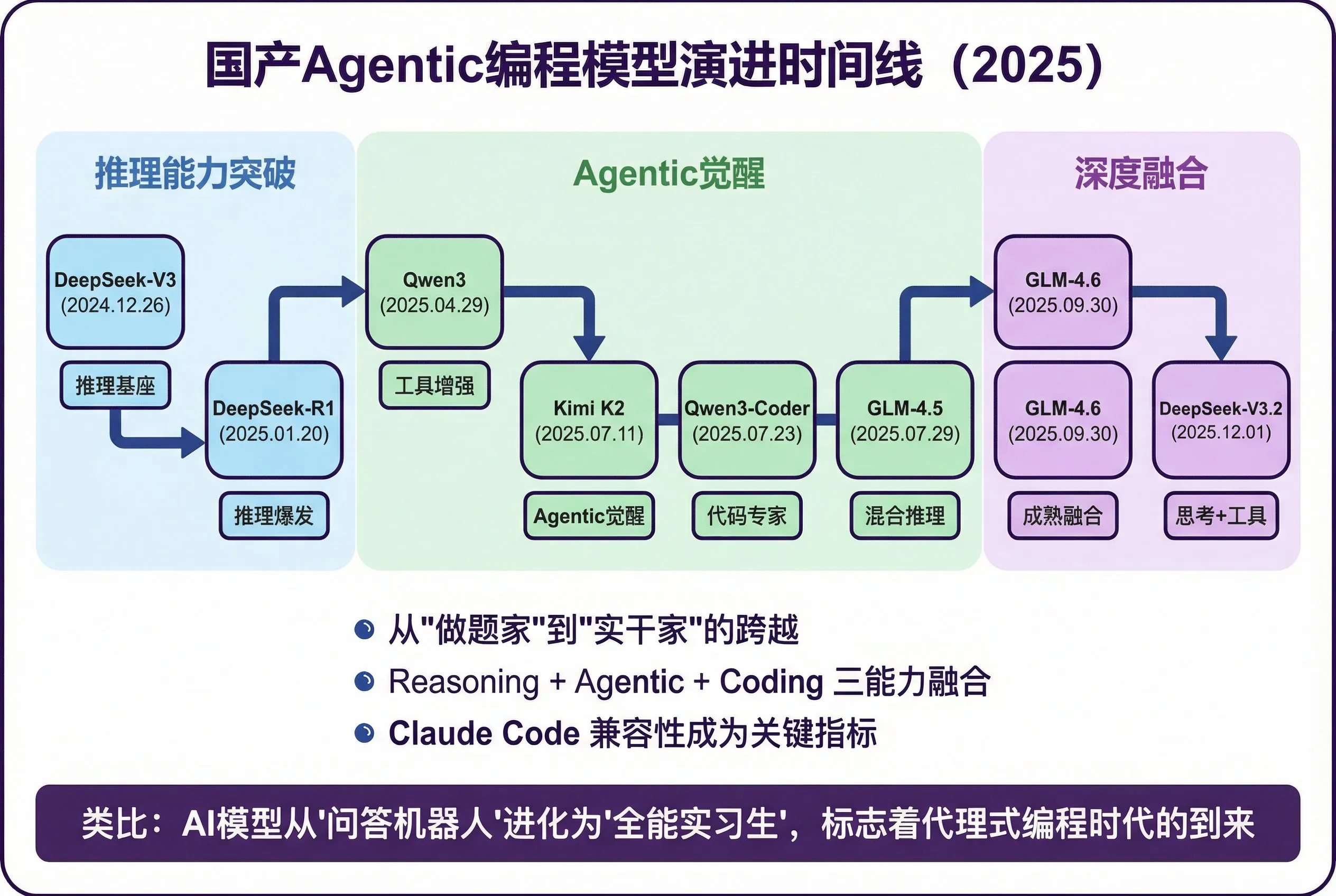
Explore popular templates for pitch decks, reports, education, and marketing—find a PPT maker AI layout that fits fast.
Why Choose PPT Maker AI?
Make presentations faster, simpler, and more consistent—PPT Maker AI turns your content into slide-ready results with AI speed and template-driven polish.
Save Hours on Every Deck
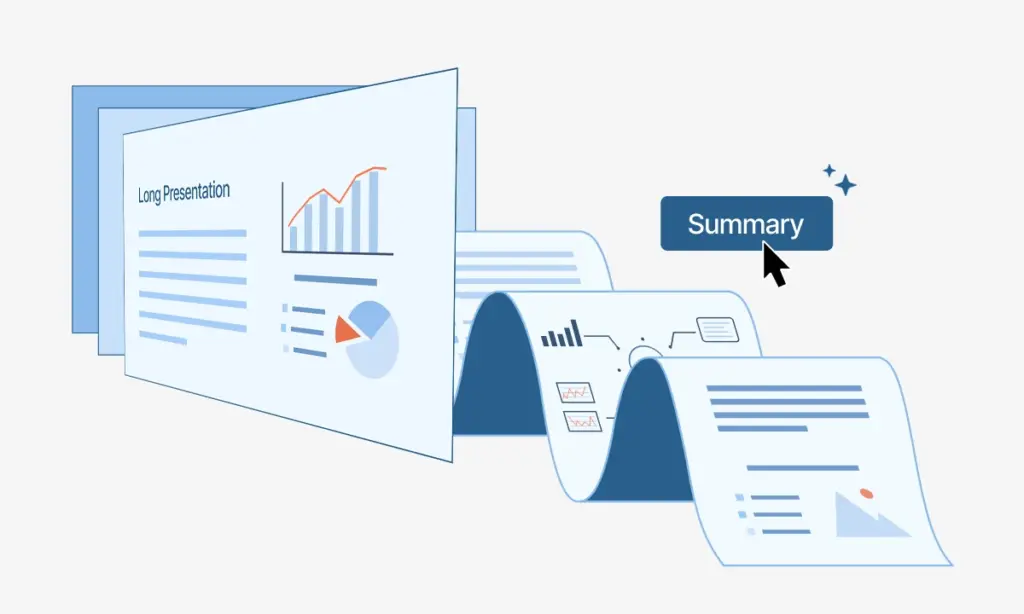
PPT Maker AI cuts the busywork—outline, layout, and styling happen automatically so you can finish a complete deck in minutes, not hours.
No Learning Curve, Just Input and Generate
You don't need design or slide skills—paste text, upload a PDF, link a webpage, or add voice notes, and PPT Maker AI generates a clean presentation right away.
Free Templates You Can Actually Use
Start with free templates built for real scenarios—apply a style in one click and keep the whole deck consistent from cover to last slide.
What Creators Say About PPT Maker AI
Real feedback from people who use PPT Maker AI to turn content into clean, presentation-ready slides—fast.

"PPT Maker AI changed how we build decks—faster production, cleaner structure, and slides that look polished every time."

"We can go from rough notes to a complete presentation in minutes. PPT Maker AI is a huge productivity boost for our team."

"The layouts feel consistent and professional. PPT Maker AI makes our presentations look cohesive without extra design time."

"Client deadlines used to be stressful. With PPT Maker AI, I upload the content and get a strong deck quickly—every time."

"PPT Maker AI turns lesson notes into clear, visual slides fast. It saves me hours and keeps the content easy to follow."

"I built an investor deck with PPT Maker AI and it came out clean and modern. The flow looks organized, not stitched together."
Simple, Transparent Pricing
Choose the perfect plan for your needs.
Starter
Includes
- 200 credits per month
- Fast generation
- High-quality downloads
- Commercial License
- Private generation
- Cancel anytime
- Standard customer support
Standard
Includes
- 1000 credits per month
- Fast generation
- High-quality downloads
- Commercial License
- Private generation
- Cancel anytime
- Priority customer support
Premium
Includes
- 3200 credits per month
- Fast generation
- High-quality downloads
- Commercial License
- Private generation
- Cancel anytime
- Priority customer support
FAQ — About PPT MAKER AI
Quick answers about PPT MAKER AI and the AI PPT maker workflow—templates, exports, pricing, and privacy.